本 Demo 初始化教程
详细介绍如何部署该 Demo, 如何本地启动该 Demo
详细介绍如何部署该 Demo, 如何本地启动该 Demo
Get started with Chirpy basics in this comprehensive overview. You will learn how to install, configure, and use your first Chirpy-based website, as well as deploy it to a web server.
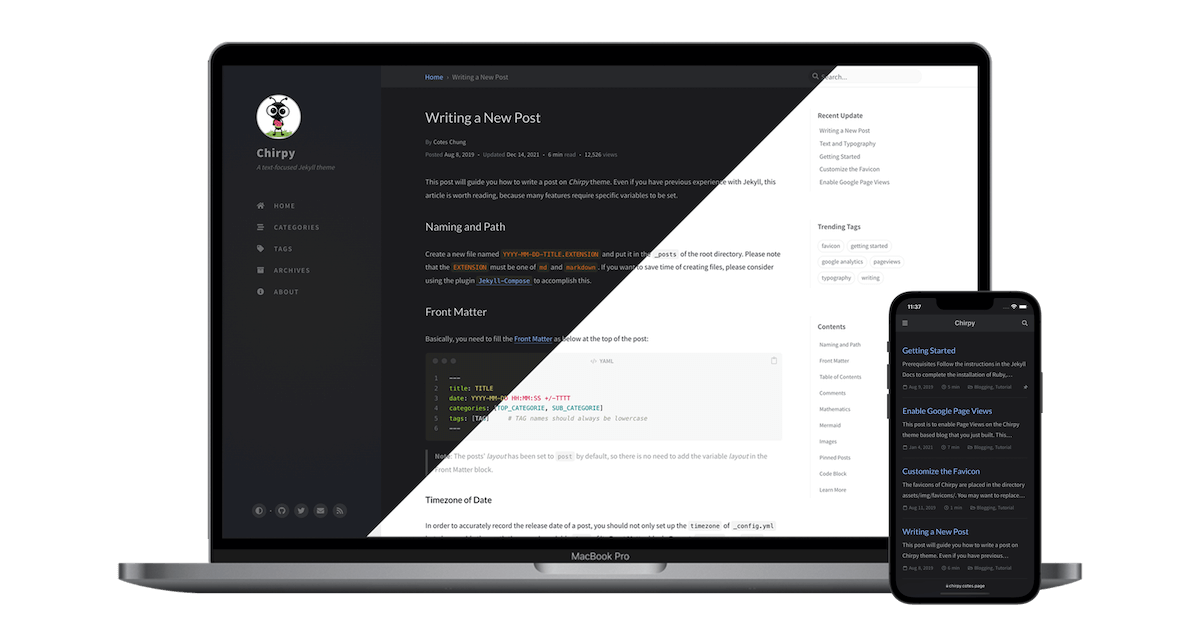
Examples of text, typography, math equations, diagrams, flowcharts, pictures, videos, and more.
1. Chirpy 主题完整目录结构 . ├── .devcontainer/ # VSCode Dev Containers 配置,用于容器化开发环境 ├── .github/ # GitHub Actions CI/CD 配置(自动构建、Lint、发布) ├── .husky/ ...
🧱 1. 项目结构简介(Chirpy Jekyll Theme) 你的仓库属于 GitHub Pages + Jekyll + Chirpy 主题。核心结构如下: . ├── _config.yml # 站点总配置 ├── _posts/ # 博客文章 (Markdown) ├── _tabs/ # 顶部标签栏 (A...

本篇文章的简短摘要,用于 SEO 与文章预览。
The favicons of Chirpy are placed in the directory assets/img/favicons/. You may want to replace them with your own. The following sections will guide you to create and replace the default favicons...
This tutorial will guide you how to write a post in the Chirpy template, and it’s worth reading even if you’ve used Jekyll before, as many features require specific variables to be set. Naming and...